
Why Businesses Connect Alchemer With Oracle Cloud
Here are a few ways teams put this automation to work:
- Enrich customer profiles: Automatically add or update Oracle records with survey responses to keep customer data current.
- Trigger Oracle workflows: Use survey feedback to kick off Oracle Cloud processes, like creating support cases or notifying an account manager.
- Measure customer satisfaction at key touch points: Push real-time CSAT or NPS data into Oracle to monitor and act on customer sentiment.
What Our Customers Say
"[Alchemer’s] ability to ingest data for external sources and push data to other tools is very powerful.”
Verified G2 User, Marketing
How To Set Up the Alchemer + Oracle Cloud Integration
Setting this up yourself is pretty quick — and once it’s done, the data flows automatically:
-
Step 1:
Authenticate your Oracle account in Alchemer Workflow using your Oracle credential -
Step 2:
Choose your action: Send survey data into Oracle Cloud or pull data back from Oracle to personalize surveys. -
Step 3:
Map your fields: Match Alchemer survey fields to Oracle record fields, such as customer name, ID, or satisfaction score. -
Step 4:
Automate your workflow: Once set up, data moves automatically between Alchemer and Oracle—no manual uploads needed. View setup documentation →
Resources
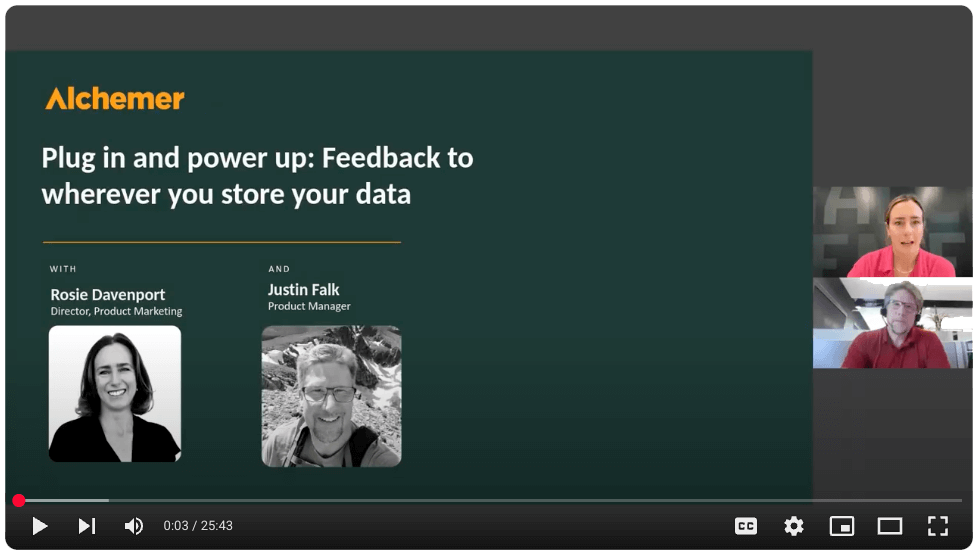

Want to see Oracle Cloud + Alchemer in action?
Talk with our team about how to connect customer feedback with your specific needs to drive action.