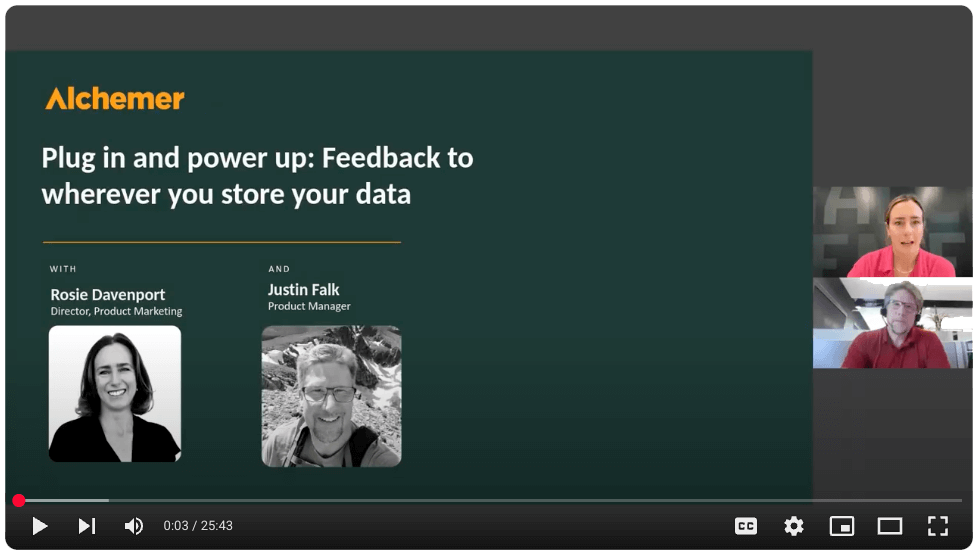
Automatically sync survey results with Google Sheets to simplify analysis and collaboration. Share live data across teams for faster insights and decision-making.
Why Businesses Connect Alchemer With Google Sheets
Here are a few ways teams put this automation to work:
Collect and analyze feedback in real time: Responses appear in Google Sheets just after someone completes a survey.
Share results without extra effort: Your stakeholders always see the most current data — no need for manual updates.
Automate reporting and dashboards: Charts in Google Sheets refresh themselves as new survey data comes in.
What Our Customers Say
""Powerful survey tool. Easy integration with Salesforce Marketing Cloud and Google Sheets.”
G2 Verified User, Computer Software Industry
How To Set Up the Alchemer + Google Sheets Integration
Setting this up yourself is pretty quick — and once it’s done, the data flows automatically:
Step 1: Add the Google Sheets integration to your survey from the Survey Builder.
Step 2: Connect your Google account and choose your spreadsheet.
Talk with our team about how to connect customer feedback with your specific needs to drive action.
Suggested Integrations
Slack
Automation, Collaboration
Integrate Alchemer with Slack to send real-time feedback alerts or survey invitations. Empower teams to act quickly on insights and maintain customer satisfaction.
Oracle Cloud
Automation, Business Process
Connect Alchemer with Oracle Cloud to automate workflows between customer feedback and enterprise data systems. Streamline decision-making and trigger actions based on survey insights.
Excel / Office365
Automation
Integrate Alchemer surveys with Excel or Office 365 to store and analyze response data. Streamline reporting by updating spreadsheets automatically as new feedback arrives.
Request an Integration
By accessing and using this page, you agree to the Terms of Use . Your information will never be shared.