
Why Businesses Connect Alchemer With Domo
Here are a few ways teams put this automation to work:
- Kick off Domo actions based on survey responses — like alerting teams when customer satisfaction drops below a certain threshold.
- Feed real-time data into Domo dashboards to keep KPIs and customer feedback perfectly in sync.
- Combine survey insights with operational data in Domo from across your business to identify trends and opportunities faster.
What Our Customers Say
"Alchemer support (rarely needed but greatly appreciated) seals the deal for me!
I've been using Alchemer daily for years, and their platform is extremely reliable, easy to work in, and flexible, and their support is off-the-charts..."
Reviewed by Susan B., President/CEO
How To Set Up the Alchemer + Domo Integration
Setting this up yourself is pretty quick — and once it’s done, the data flows automatically:
-
Step 1:
Set up a Domo Initiator in Alchemer Workflow — this lets Domo trigger a workflow in Alchemer or vice versa. -
Step 2:
Authenticate your Domo account in Alchemer using your Domo API credential. -
Step 3:
Map the data you want to send or receive — for example, connect survey fields like “Customer ID” or “NPS Score” to corresponding Domo datasets. -
Step 4:
Once connected, your flow runs automatically every time a survey response or Domo event meets your defined conditions. View setup documentation →
Resources
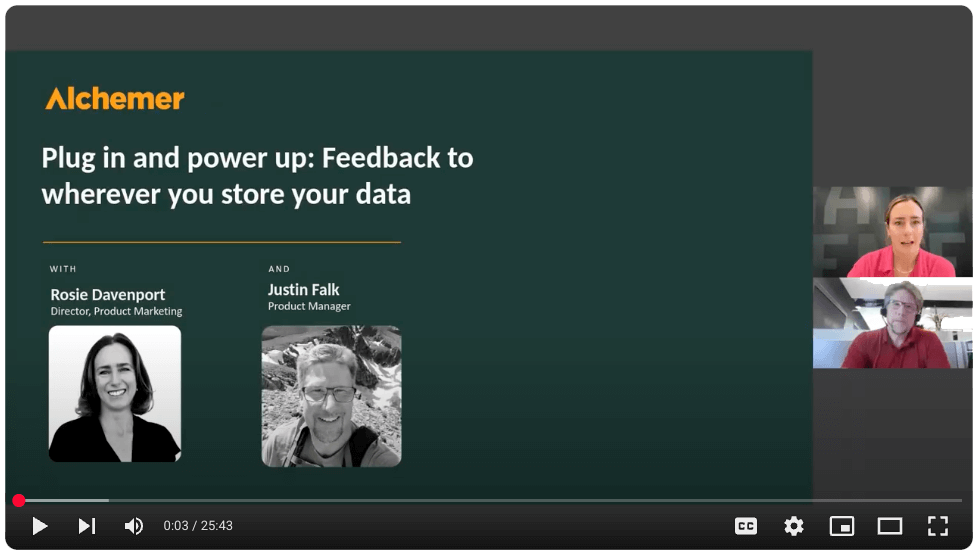

Want to see Domo + Alchemer in action?
Talk with our team about how to connect customer feedback with your specific needs to drive action.