Why Businesses Connect Alchemer With Gorgias
Here are a few ways teams put this automation to work:
- Ticket creation from feedback: Automatically create new Gorgias tickets when a survey is submitted—for example, when a customer reports a problem, leaves a low CSAT score, or requests follow-up.
- Enrich existing tickets with survey responses: Push survey answers (comments, satisfaction scores, follow-up details) into existing Gorgias ticket messages to give agents full context without manual copy-paste.
- Event-driven Workflows from Gorgias: Use the Gorgias initiator to trigger Alchemer Workflows when tickets are created, updated, self-unsnoozed, or when a new ticket message is added—so you can send surveys, route alerts, or escalate issues automatically.
What Our Customers Say
""[Alchemer integrations] puts constant feedback in front of the right people with project management software integrations."
Verified User G2
How To Set Up the Alchemer + Gorgias Integration
Setting this up yourself is pretty quick — and once it’s done, the data flows automatically:
-
Step 1:
In an Alchemer survey, add a Gorgias Integration Action. -
Step 2:
Pick whether to Create Ticket or Update Ticket Message. -
Step 3:
Select which survey fields set ticket values (like subject, requester email, or message body). -
Step 4:
Save your integration, then test by submitting a survey. View setup documentation →
Resources
- Ungated Webinars (not shown in Resource Library)
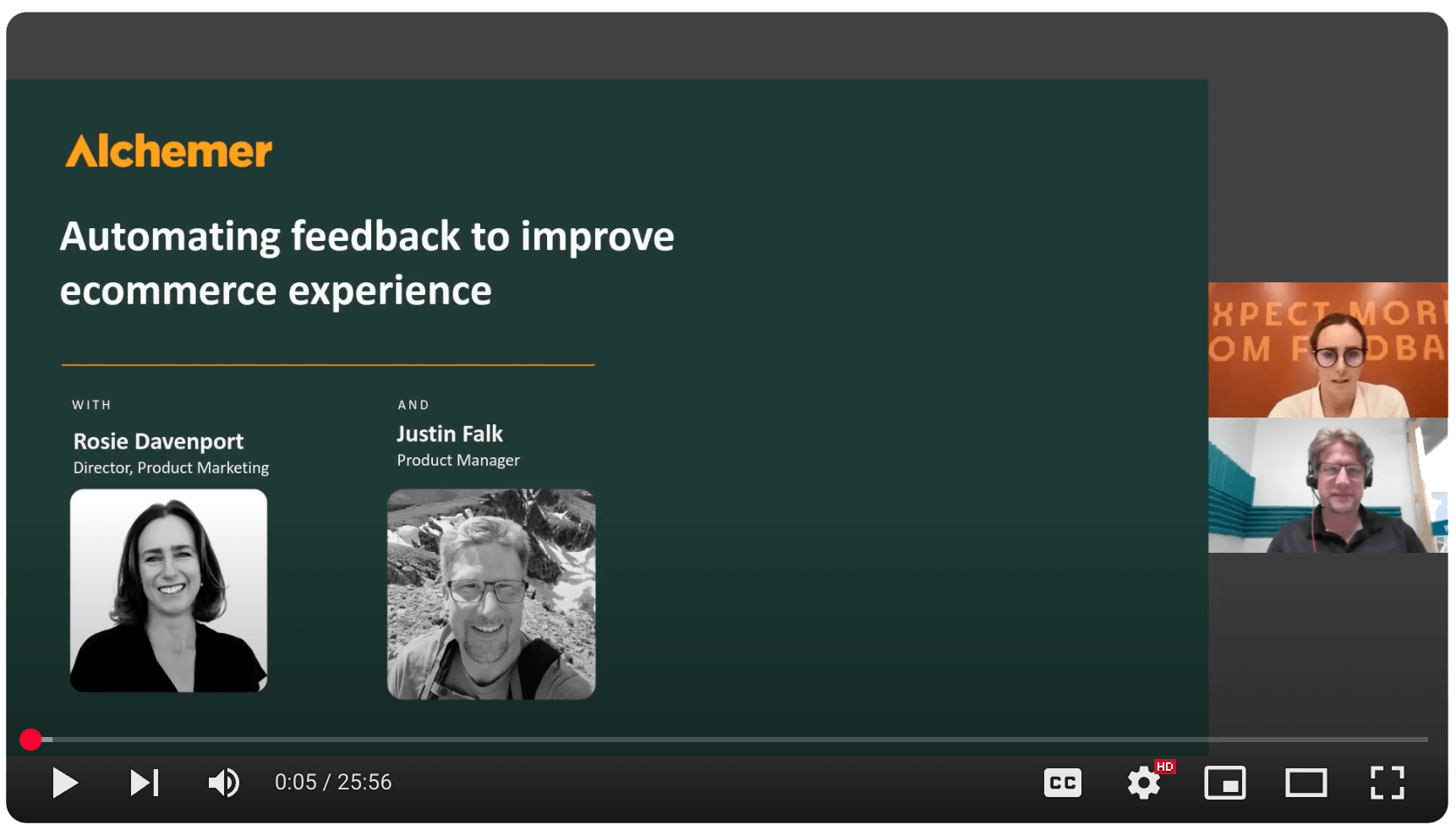
Want to see Gorgias + Alchemer in action?
Talk with our team about how to connect customer feedback with your specific needs to drive action.