Why Businesses Connect Alchemer With Braze
Here are a few ways teams put this automation to work:
- Capture feedback at critical journey moments: Automatically send personalized surveys after key milestones like purchases, signups, or renewals.
- Reduce churn proactively: Trigger check-ins or exit surveys when engagement drops to identify issues before customers leave.
- Personalize at scale: Pass campaign and customer engagement leads to deeper insight, stronger relationships, and measurable improvements in customer experience.
What Our Customers Say
"Alchemer support (rarely needed but greatly appreciated) seals the deal for me!
I've been using Alchemer daily for years, and their platform is extremely reliable, easy to work in, and flexible, and their support is off-the-charts..."
Reviewed by Susan B., President/CEO
How To Set Up the Alchemer + Braze Integration
Setting this up yourself is pretty quick — and once it’s done, the data flows automatically:
-
Step 1:
Start by creating a new Workflow in Alchemer. This is where your survey and follow-up actions will live. -
Step 2:
Choose Braze as the Workflow initiator. This allows Braze events to start your feedback process automatically. -
Step 3:
In Braze create a webhook within your campaign or Canvas and paste in the URL provided by Alchemer. Choose the event that should trigger feedback (like a purchase or campaign open) -
Step 4:
Map the data you want to send (such as customer ID or campaign name). This lets you personalize surveys and route responses automatically. View setup documentation →
Resources
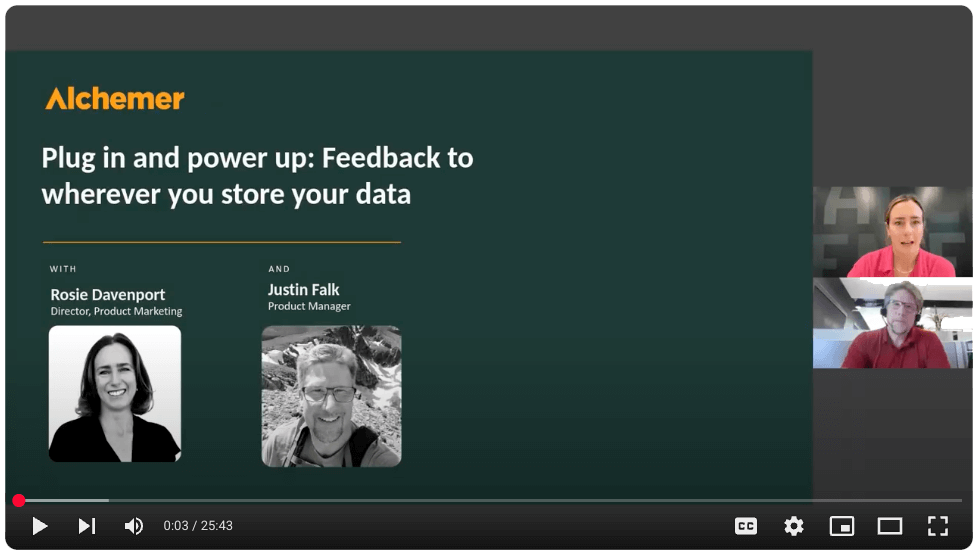

Want to see Braze + Alchemer in action?
Talk with our team about how to connect customer feedback with your specific needs to drive action.