
Why Businesses Connect Alchemer With Microsoft Dynamics 365
Here are a few ways teams put this automation to work:
- Send survey responses directly into Dynamics: Create or update contacts, leads, accounts, and cases.
- Personalize surveys with CRM data: Pre-fill fields and validate records in real-time.
- Trigger automated workflows: When Dynamics records change--like sending a satisfaction survey when a case closes or launching follow-up when an opportunity updates.
What Our Customers Say
"Alchemer support (rarely needed but greatly appreciated) seals the deal for me!
I've been using Alchemer daily for years, and their platform is extremely reliable, easy to work in, and flexible, and their support is off-the-charts..."
Reviewed by Susan B., President/CEO
How To Set Up the Alchemer + Microsoft Dynamics 365 Integration
Setting this up yourself is pretty quick — and once it’s done, the data flows automatically:
-
Step 1:
Authenticate your Dynamics 365 account within Alchemer to enable secure data exchange between platforms. -
Step 2:
Decide how you want the integration to work: Send survey responses into Dynamics, pull Dynamics data into surveys, or trigger Alchemer data flows from Dynamics events. -
Step 3:
Select the specific action you want--such as creating or updating a contact, retrieving a record to pre-fill a survey, or initiating a workflow when a case or opportunity changes. -
Step 4:
Match survey fields to Dynamics fields so data flows accurately between systems. Once mapped, save and test your connection. After setup, feedback and CRM records stay automatically in sync--helping your team move from insight to action without manual work. View setup documentation →
Resources
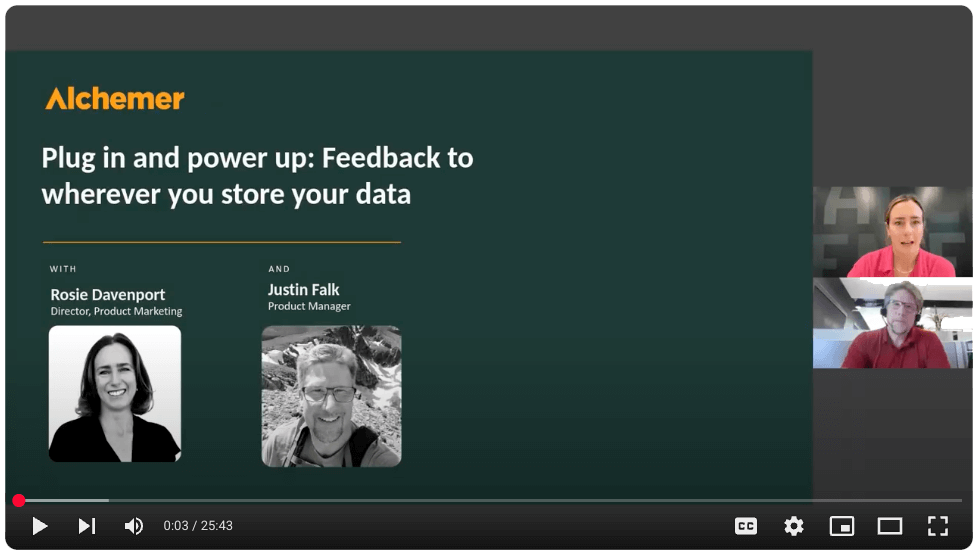

Want to see Microsoft Dynamics 365 + Alchemer in action?
Talk with our team about how to connect customer feedback with your specific needs to drive action.