Your brands’ mobile users expect a lot—and they should.
If your app is using Alchemer Digital to deliver in-app interactions like surveys, feedback prompts, or other customer engagement, they need to load quickly, look native, and work smoothly across iOS and Android devices.
That’s why we built Alchemer Digital SDK v7.0, our most modern mobile SDK yet.
SDK v7.0 delivers a faster, smoother in-app experience with expanded support for the latest iOS and Android releases. It improves interaction performance, strengthens reliability, and modernizes UI compatibility—while also enhancing accessibility to help teams deliver polished, consistent experiences across a wider range of users and devices.
In this release, we focused on three key areas that matter most for mobile teams today: performance, platform readiness, and accessibility. And no matter which one resonates most with your team – they’re all a compelling reason to upgrade.
Here’s what’s new in SDK v7.0—and why it matters.
Alchemer Digital: Native SDK v7.0 highlights
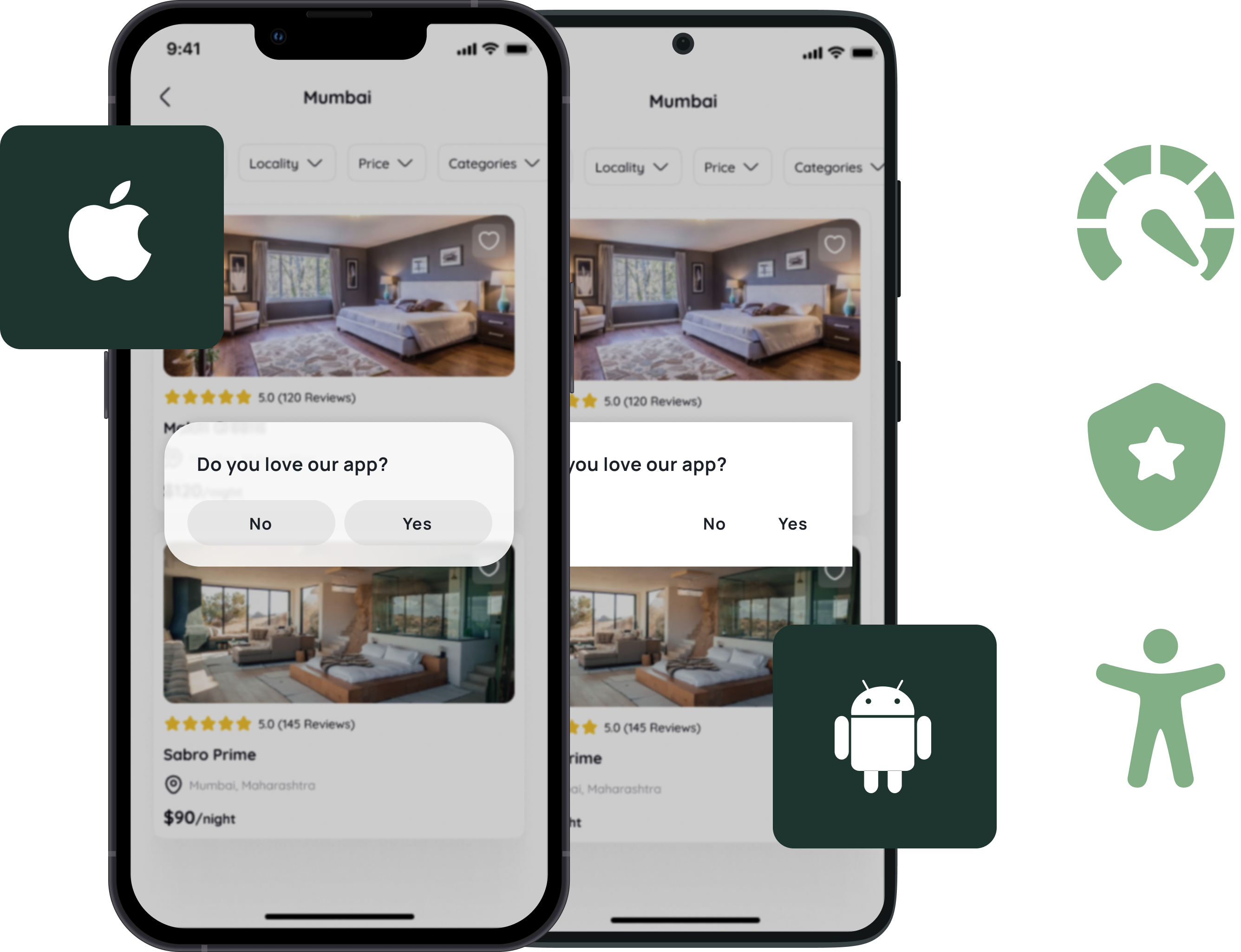
SDK v7.0 features major updates across both the iOS SDK and Android SDK, including:
- Faster interaction loading and smoother rendering
- Improved SDK stability for more consistent in-app experiences
- Support for iOS 26 Liquid Glass UI expectations
- Support for Android 16 full-screen interaction mode
- Accessibility improvements including screen reader support, keyboard navigation, and improved labeling
In short: SDK v7.0 helps your in-app experiences feel faster, more modern, and easier to use.
Reason #1 to upgrade: Faster, smoother in-app experiences
In-app experiences are a crucial part of the customer journey—whether someone is giving feedback, completing a quick survey, or responding to an in-app prompt.
And in mobile apps, speed matters.
With SDK v7.0, we focused heavily on improving performance, so interactions load faster and feel smoother in real-world conditions.
What’s new in SDK v7.0
- Improved SDK stability for a more consistent in-app experience
- Faster and more reliable loading of in-app interactions
- Better overall performance for smoother customer engagement flows
Why it matters
A faster in-app experience means customers spend less time waiting and more time engaging. These improvements help in-app interactions feel more responsive, which supports better completion rates and a more polished mobile experience overall.
Reason #2 to upgrade: Ready for the latest iOS and Android releases
Mobile operating systems evolve constantly. And when iOS and Android release new versions, it’s not just about new features—it’s also about how apps are expected to look and behave.
SDK v7.0 is built to help teams stay current with the latest mobile OS updates, so in-app interactions continue to feel like they belong inside your app.
What’s new in SDK v7.0
- Support for modern UI experiences, including iOS 26 Liquid Glass design support
- Support for Android 16 full-screen interaction mode
- Updated API minimums to align with current OS standards
- Improved handling of concurrency to support more responsive interaction behavior
Why it matters
Staying aligned with the latest iOS and Android releases makes it easier to deliver consistent in-app experiences across devices. It also helps future-proof your app as new OS updates roll out.
If your team is planning an OS upgrade, SDK v7.0 helps ensure your in-app interactions are ready to keep pace.

Reason #3 to upgrade: Accessibility improvements that support better usability
Accessibility is a critical part of building a good digital experience.
Whether your customers use screen readers, rely on keyboard navigation, or simply benefit from clearer design and labeling, accessibility improvements help make in-app experiences easier to use for everyone.
SDK v7.0 includes significant accessibility enhancements across iOS and Android, so more customers can easily provide feedback and complete interactions successfully.
What’s new in SDK v7.0
- Significant accessibility improvements across both iOS and Android
- Improved screen reader compatibility
- Enhanced keyboard navigation support
- Better contrast and labeling for improved usability
Why it matters
These updates help teams deliver more inclusive in-app experiences that are easier to navigate, easier to understand, and more consistent across devices.
Even for users who don’t rely on assistive technologies, better contrast and labeling can make interactions feel clearer and more intuitive—especially on mobile screens.
Still on SDK v5 (or earlier)? Here’s what you unlock with SDK v7.0
Upgrading from SDK v5 (or earlier) to SDK v7.0 is more than a performance refresh—it’s a step into the modern Alchemer Digital SDK foundation introduced in v6, with major improvements across mobile experience delivery.
With SDK v7.0, teams can:
- Deliver faster, smoother in-app interactions with modern OS-ready performance
- Support newer iOS and Android UI standards, including full-screen interaction modes
- Enable Workflow initiation directly from the SDK to power more actionable in-app journeys
- Run advanced customer research by displaying Alchemer long-form surveys through prompts
- Create more polished in-app experiences with rich text support for Prompts and Surveys
- Improve usability with built-in accessibility enhancements across iOS and Android
If you’re on v5 or earlier, upgrading to v7.0 helps you deliver more modern engagement experiences—while unlocking the latest Alchemer Digital capabilities along the way.
Who should upgrade to SDK v7.0?
SDK v7.0 is a great upgrade for any team building mobile in-app experiences—but it’s especially relevant if you’re in one of these groups:
Teams supporting iOS 26 or Android 16
If you’re currently supporting (or planning to support) the latest OS versions, SDK v7.0 helps ensure your in-app interactions stay aligned with the latest UI and device behaviors.
Teams focused on mobile performance
If your priority is faster loading and smoother engagement flows, SDK v7.0 includes improvements designed to support better responsiveness in real-world mobile environments.
Teams prioritizing accessibility and usability
If your organization is investing in accessibility, SDK v7.0 brings important improvements that support screen readers, keyboard navigation, and clearer interaction presentation.
Teams looking for consistency across devices
If you support a wide range of mobile users, SDK v7.0 helps improve consistency across OS versions, devices, and interaction scenarios.
How to get started
Upgrading to SDK v7.0 is a straightforward way to modernize your mobile SDK foundation.
To get started:
- Review the SDK v7.0 migration guide (Android, iOS) and release notes (Android, iOS)
- Test the upgrade in a staging environment
- Validate interactions across key iOS and Android versions
- Roll out with confidence
Ready to upgrade? Explore the SDK v7.0 migration guide for Android or SDK v7.0 migration guide for iOS to get started.