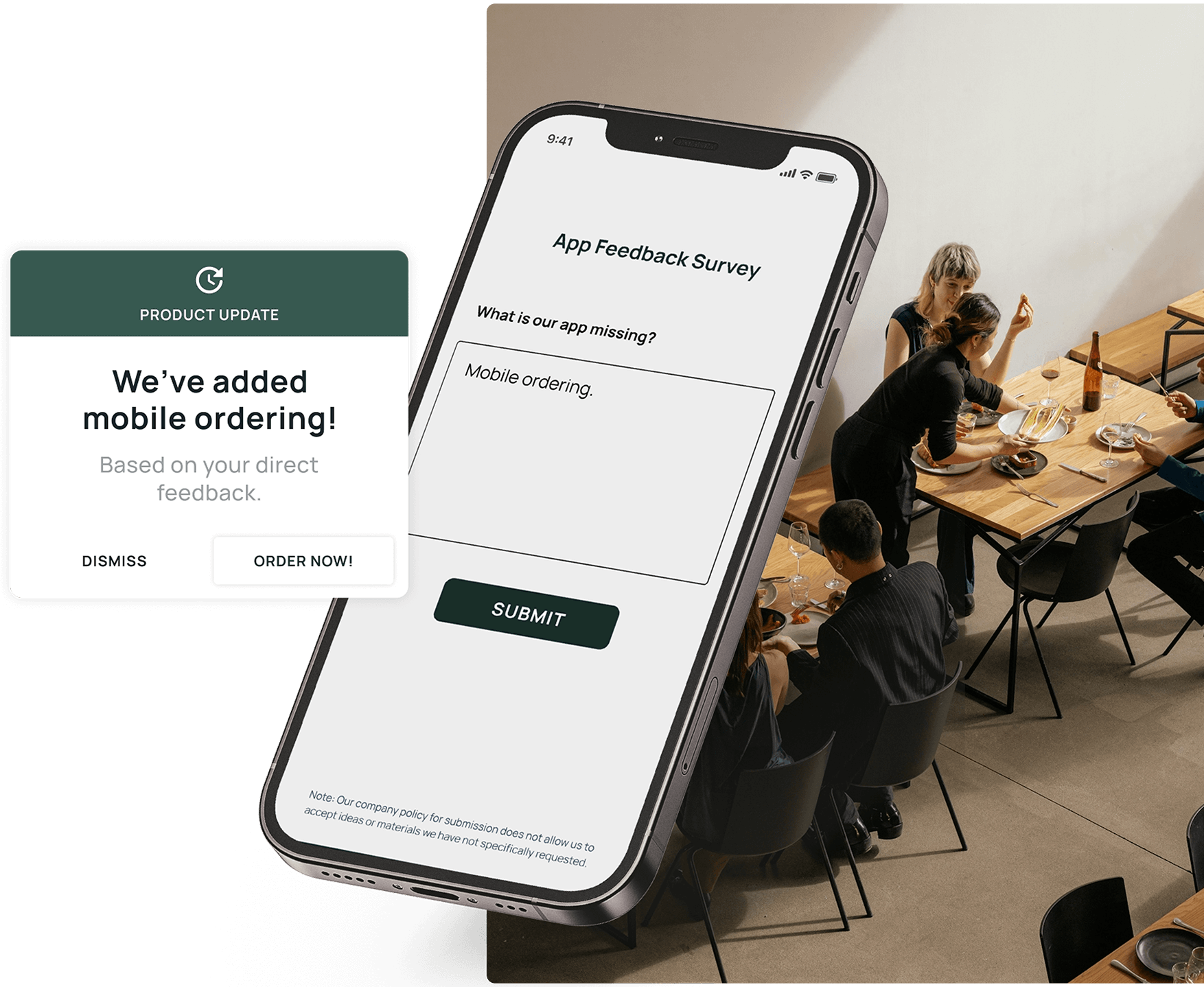
Your app is the most direct line you have to your customers. They open it every day, tap through it, rely on it, and form an opinion about your brand with every session. The question is whether you’re capturing what they think while they’re still in the moment, or finding out later when they’ve already left a one-star review or quietly switched to a competitor.
That’s what in-app feedback is built for. It lets you ask the right customer the right question at exactly the right time, hear from the people who’d never think to leave a public review, and turn everyday app usage into a steady stream of insight you can act on.
This blog breaks down the most common questions about in-app feedback, so product, CX, support, and marketing teams can build a program that improves the experience, lifts app store ratings, and keeps customers coming back.
What is in-app feedback?
In-app feedback is feedback you collect from customers directly inside your mobile app or website, while they’re actively using it. Instead of waiting for a survey email or a public app store review, you gather input in context — at the moment an experience happens.
It comes in several forms: in-app surveys, ratings and review prompts, sentiment signals, feature requests, message-center conversations, and open-text responses. Together, they tell you not just what customers are doing in your app, but how they feel about it and what they want next.
What sets in-app feedback apart from other feedback methods is proximity. An email survey reaches someone hours or days later, disconnected from the experience. A focus group is removed entirely. In-app feedback happens at the source — while the memory is sharp and the context is obvious — which makes the responses more honest and more useful.
Why is in-app feedback worth the effort?
Plenty of teams already run email surveys or watch their app store rating. So why add another channel? Because in-app feedback fills blind spots the others can’t:
- Response rates are higher. People are far more likely to answer a one-tap question in front of them than to open an email survey later. More responses means more reliable data. Alchemer has found brands typically see double-digit response rates when collecting in-app feedback.
- The sample is more representative. Public reviews attract the happy and the furious. In-app prompts reach everyone in between — the customers whose habits actually shape your retention numbers.
- Context comes built in. You already know what screen the person was on, what they just did, and how long they’ve been a customer. That turns a vague complaint into a specific, fixable insight.
- You can act before damage spreads. Catching a frustrated customer inside the app gives you a chance to help them privately, instead of reading about it publicly a week later.
What kinds of in-app feedback can you collect?
Think of it as a toolkit, not a single tactic. Different questions call for different formats:
- Micro-surveys — one or two questions fired after a specific action, like completing a transaction or abandoning a flow.
- Sentiment prompts — a quick pulse-check (“Enjoying the app so far?”) that sorts customers into advocates and at-risk users.
- Rating and review nudges — invitations to rate the app, ideally shown to people who’ve already signaled they’re happy.
- Feature input — structured ways for customers to request, vote on, or react to what you’re building.
- Open comments — free-text fields where customers say what’s actually on their mind.
- Standardized metrics — NPS, CSAT, and CES, run in-app so you can trend them release over release.
The strongest programs mix solicited formats (you asked) with passive ones (they volunteered) to see both the numbers and the nuance.
How is in-app feedback different from app store reviews?
App store reviews are public and influential — they sway whether a stranger downloads your app — so they earn their place in any strategy. But they have limits: they skew toward strong emotions, you can’t reliably follow up, and you only learn about a problem after it’s been broadcast to the world.
In-app feedback works upstream of that. It catches the sentiment privately, lets you respond directly, and connects each comment to a real customer profile. Used together, the two reinforce each other: in-app feedback helps you improve the experience, and a well-timed rating prompt channels your now-satisfied customers toward leaving a strong public review.
Which teams benefit from in-app feedback?
It rarely stays with one group for long. Once the data starts flowing, several teams find uses for it:
- Product spots where customers stall, validates ideas before building, and ranks the roadmap by real demand.
- CX widens its Voice of Customer view into the digital channels surveys often miss.
- Marketing identifies promoters and engages them with relevant, well-targeted in-app campaigns.
- Support gets early warning on issues and can reach struggling customers before frustration boils over.
NCB Jamaica is a good example of this spread — their marketing, product, UX, and customer care teams all built different workflows on the same in-app feedback foundation, even using prompts to lift a webinar from 10 sign-ups to over 5,000.
Where do in-app feedback programs usually go wrong?
A handful of pitfalls trip up teams early:
- Over-asking. Bombard customers with prompts and they’ll dismiss everything, including the ones that matter. Frequency caps and smart timing protect the experience.
- Bad timing. A survey that interrupts a payment is a survey nobody finishes. Trigger questions at natural pauses.
- Drowning in open text. Free-form comments are gold, but reading thousands by hand is impossible. Without analysis tools, that gold stays buried.
- Siloed results. When in-app data sits apart from surveys, reviews, and usage data, no one can see the whole story.
- Developer dependence. If launching or tweaking a question requires an engineering ticket, momentum dies. Front-line teams need to manage it themselves.
What do you need to do this at scale?
A capable in-app feedback program usually rests on a few building blocks:
- A lightweight mobile SDK that drops into iOS and Android without a heavy engineering lift
- Targeting and segmentation by behavior, sentiment, and custom attributes
- Behavior-triggered surveys and always-on prompts so input is never missed
- Dashboards that trend sentiment and flag advocates and at-risk users
- AI text analysis to turn open-ended comments into clear themes — Alchemer Pulse is purpose-built for this
- A two-way message center for closing the loop one-to-one
- Enterprise-grade security with encryption and compliance, non-negotiable in banking, healthcare, and the like
- Integrations that push insights into the tools your teams already work in
Start simple — collect in the moment — and expand toward a connected, complete view as you go.
How do in-app feedback platforms compare?
Plenty of platforms can put a survey inside an app. The differences show up in ease-of-use, targeting, time-to-value, and analytics. Here’s how Alchemer, Qualtrics and QuestionPro compare for in-app programs.
| Alchemer Digital | Qualtrics | QuestionPro | |
|---|---|---|---|
| Overview | In-app and digital feedback platform for iOS, Android and web. Part of Alchemer’s broader feedback and intelligence platform that includes robust integrations, AI, survey, and reputation management capabilities | Enterprise experience management suite, with in-app feedback capabilities | Survey and research platform with a mobile customer experience SDK |
| Ease of use | After quick SDK implementation, Product, CX and marketing teams build and launch in-app programs themselves, with no coding and no engineering ticket for each change. | Mobile SDK setup involves your IT or mobile development team | Admins define trigger points in the app after the SDK is integrated |
| Targeting | Behavior, sentiment, custom data, unlimited custom events, plus always-on prompts and contact buttons | Display logic including user info, browsing session and frustration behaviors. Views and time in app depend on your developers recording them through the SDK | Trigger points such as app launch or a specific section, with display sample rates, custom variables and language-specific intercepts |
| Time to value | Teams are typically up and running within days with some customers collecting feedback in hours. G2 awarded Alchemer its Fastest Implementation badge (Enterprise) for Spring 2026 | Implementation timeline depends on development resources and SDK licensing. G2 reviewers have reported month long implementations | Implementation faster for teams already using QuestionPro. Typical implementation takes a few hours to a few days |
| Analytics | Alchemer Pulse turns open-text comments into themes. Dashboards trend sentiment and flag fans and at-risk customers | Captures solicited feedback and behavioral signals in a single program | Survey analytics including cross-tabulation, open-text analysis and word clouds |
| Best fit | Mobile-first teams that want to launch, target and act on in-app feedback without engineering tickets | Large enterprises standardizing on one experience management suite across many programs | Research-led teams that want in-app surveys alongside a broad survey toolkit |
Choose Alchemer for speed, ease of use and action
Alchemer fits teams that want to launch in-app programs fast and run them without engineering tickets or outside consultants. Deployments go live in about three weeks on average, and 47% of customers run surveys within days of purchase. Alchemer combines in-app behavior, sentiment and custom data for targeting, Alchemer Pulse turns open-text comments into themes, and 400+ integrations send feedback to the right team in real time. c2c Railway used this setup to catch a redundant Apple Pay step within minutes of a release, and its Android rating climbed from roughly 2.9 to 4.0.
Choose Alchemer if you need to:
- Launch fast and update surveys and prompts without an engineering ticket
- Target by behavior and sentiment, then send fans to app store reviews and critics to a private survey
- Connect in-app feedback to your CRM, analytics and data tools
Choose Qualtrics for maximum suite breadth
Qualtrics fits large organizations that treat in-app feedback as one piece of a company-wide experience management program. Mobile SDK setup involves your IT or mobile development team, and deployments average about two months. Teams with dedicated specialists and consulting budgets often accept that trade-off for the breadth.
Choose Qualtrics if you:
- Standardize on one enterprise suite across many global programs
- Have the budget and staff for a longer, consultant-supported rollout
Choose QuestionPro for straightforward survey needs
QuestionPro fits teams that run research-style surveys and want to add in-app triggers to a familiar toolkit. Its SDK supports trigger points, sampling and language detection. Programs that grow across departments may hit limits sooner, since QuestionPro offers around 15 integrations and keeps some logic and reporting features in higher tiers.
Choose QuestionPro if you:
- Run simple in-app surveys with one team
- Don’t need deep integrations or cross-team governance
Bring in-app feedback into your feedback strategy
Build your in-app feedback program with Alchemer. Every workflow in this post starts with the same move: ask the right customer the right question while the experience is fresh. Alchemer is built for that job.
Here’s how the pieces fit together:
Keep it secure. Encryption plus SOC 2, GDPR, and HIPPA compliance cover regulated industries like banking and healthcare.
Collect in the moment. The mobile SDK drops into iOS and Android apps without a heavy engineering lift. Behavior-triggered micro-surveys and always-on prompts capture input at natural pauses, not mid-payment.
Sort fans from critics. The Love Dialogue reads sentiment first. Happy customers head to the app store. Frustrated ones head to a short survey, so problems reach your team before they reach a one-star review.
Uncover hidden insights. Alchemer Pulse analyzes open-text comments and surfaces the patterns, so your team reads themes instead of thousands of individual comments.
Close the loop. The two-way message center and automated alerts let support follow up with the exact customers who spoke up.
Share the insight. Integrations send results to the tools product, CX, marketing and support already use, so one response can inform four teams.
Curious what that looks like for your team? Explore Alchemer Digital →